> ## Documentation Index
> Fetch the complete documentation index at: https://docs.finsei.com/llms.txt
> Use this file to discover all available pages before exploring further.
# A user (sub-user) creation
## To create a sub-user, follow the steps below:
1. Log in as the main user to your account: [https://app.sandbox.finsei.com/auth/login](https://app.sandbox.finsei.com/auth/login)
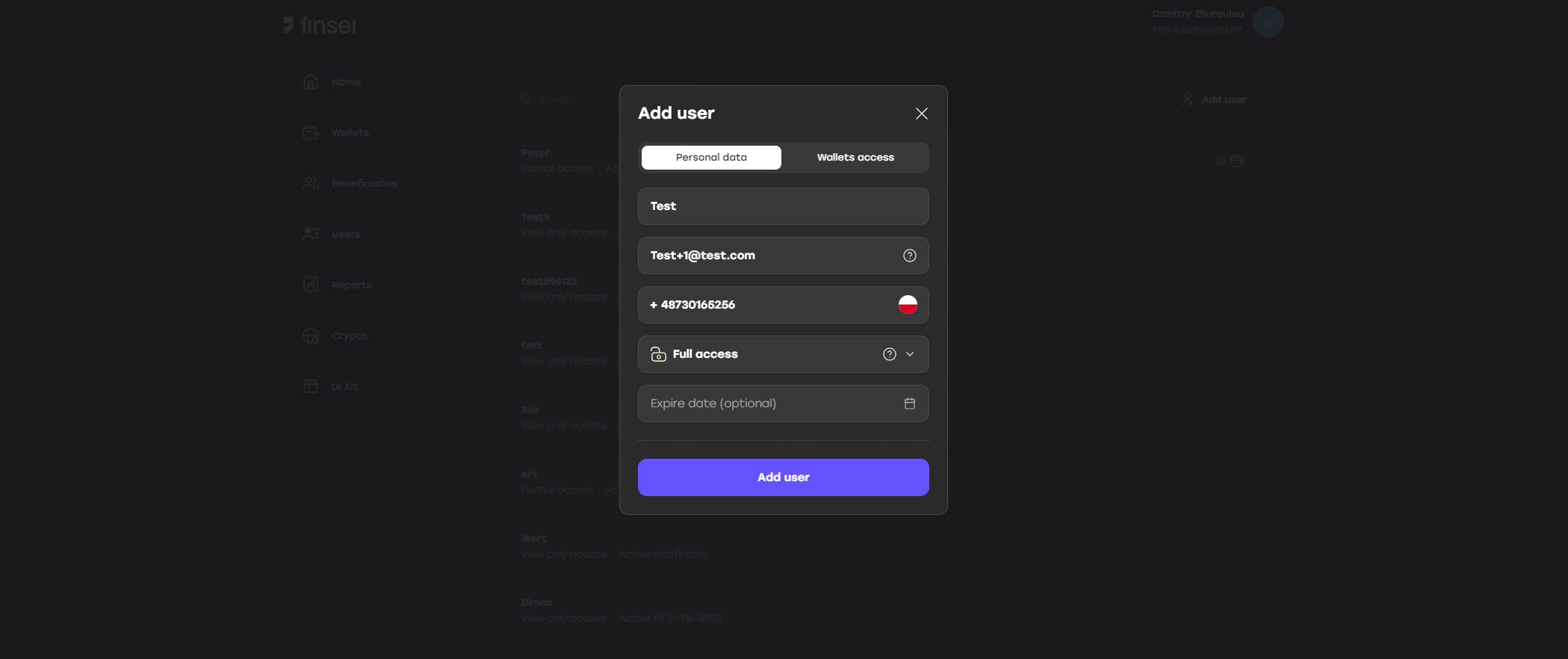
2. Go to the **Users** tab
3. Click **Add user**
4. Fill in all required fields
5. Click **Add user**
 To log in as a sub-user, a password must be set.\
Use the **"Forgot password?"** form: [https://app.sandbox.finsei.com/auth/forgot](https://app.sandbox.finsei.com/auth/forgot).
To log in as a sub-user, a password must be set.\
Use the **"Forgot password?"** form: [https://app.sandbox.finsei.com/auth/forgot](https://app.sandbox.finsei.com/auth/forgot).
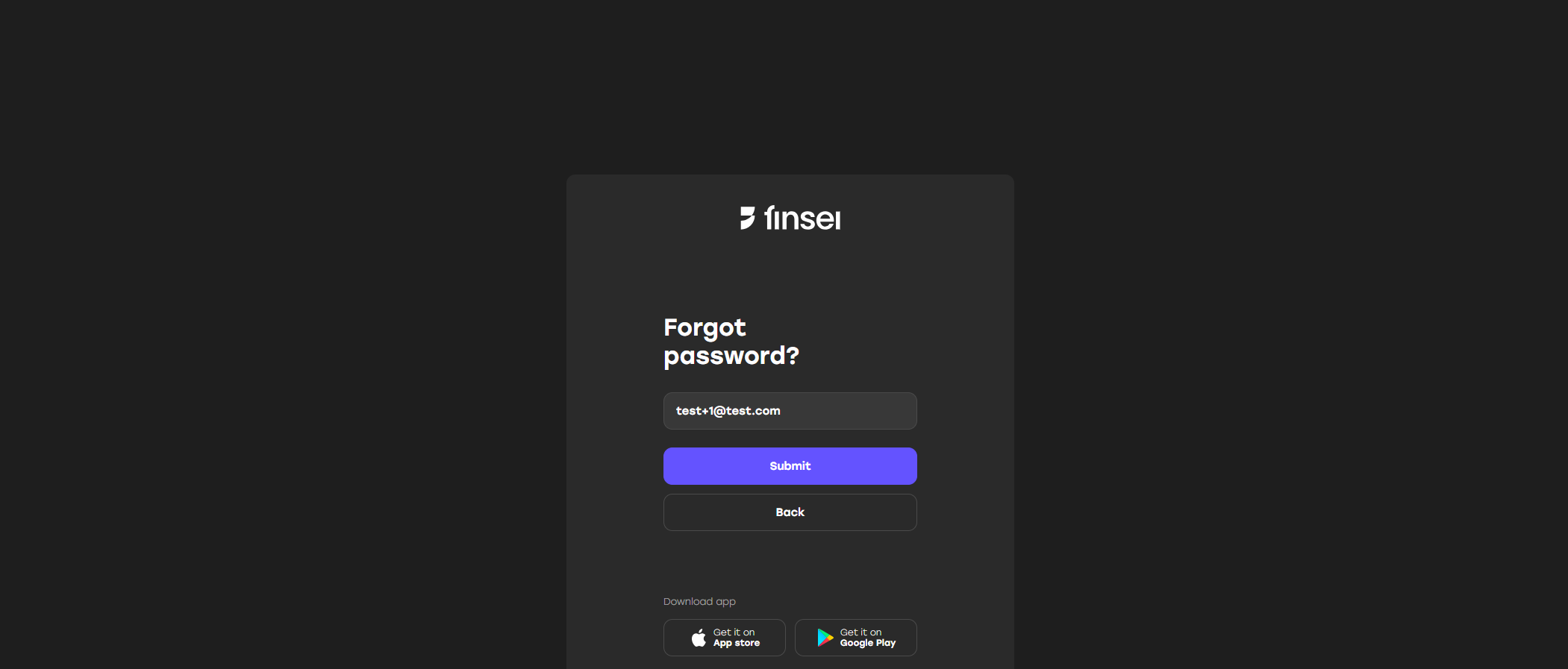 After submitting the form, please check your email inbox to get the reset password link.
Once the password is set and confirmed, the sub-user can log in.
After submitting the form, please check your email inbox to get the reset password link.
Once the password is set and confirmed, the sub-user can log in.