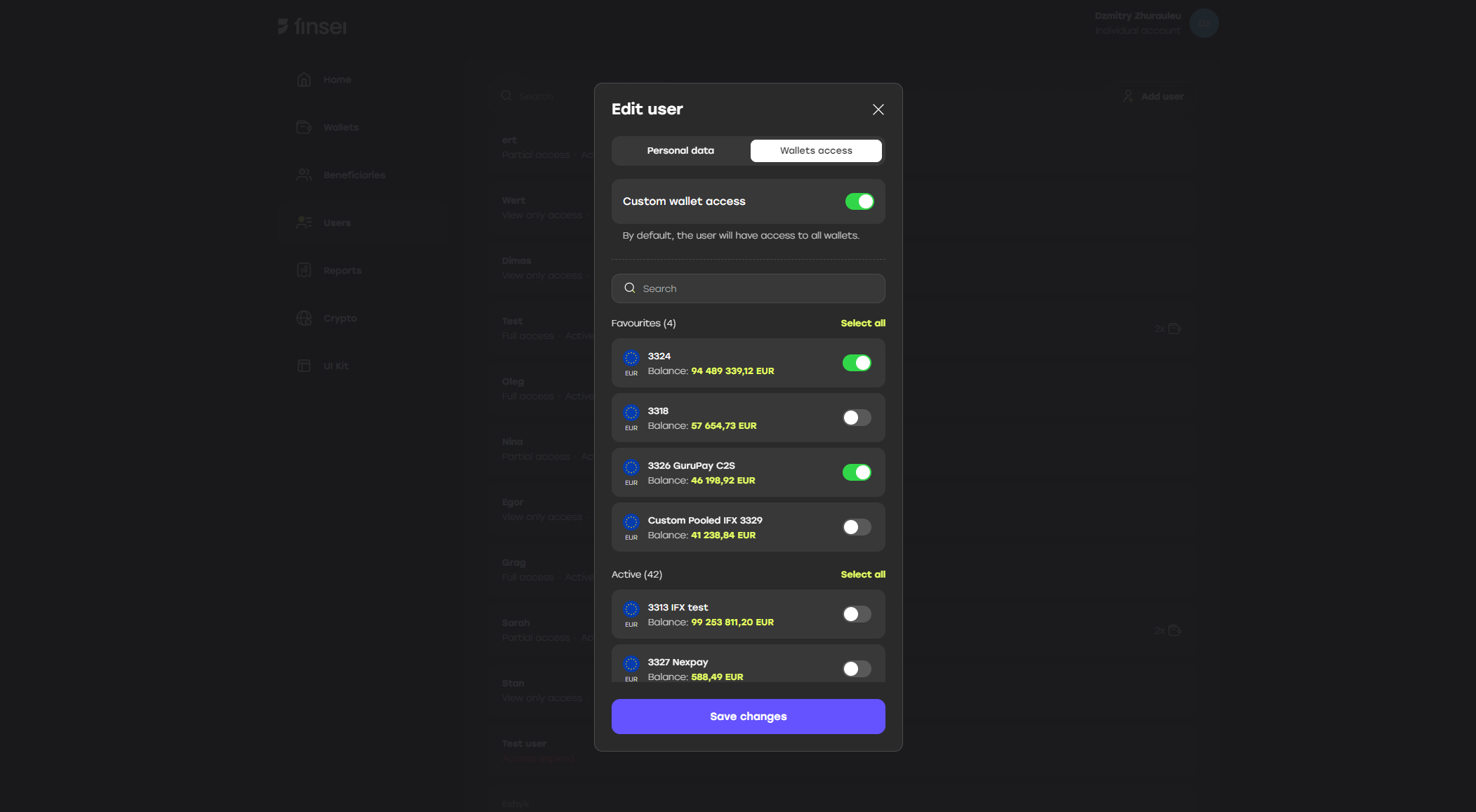
The Users tab is only visible to the company’s main user (admin).
Role
Users can have a role which limits user’s actions. There are three available roles for user:- Full access
- Partial access
- View only access
Expiration date
User can have limited by time access. ‘Expire date’ attribute should be specified, so user is only able to perform actions until specified date.Wallet access
When creating or editing a user, you can configure their access to specific company wallets — wallet access.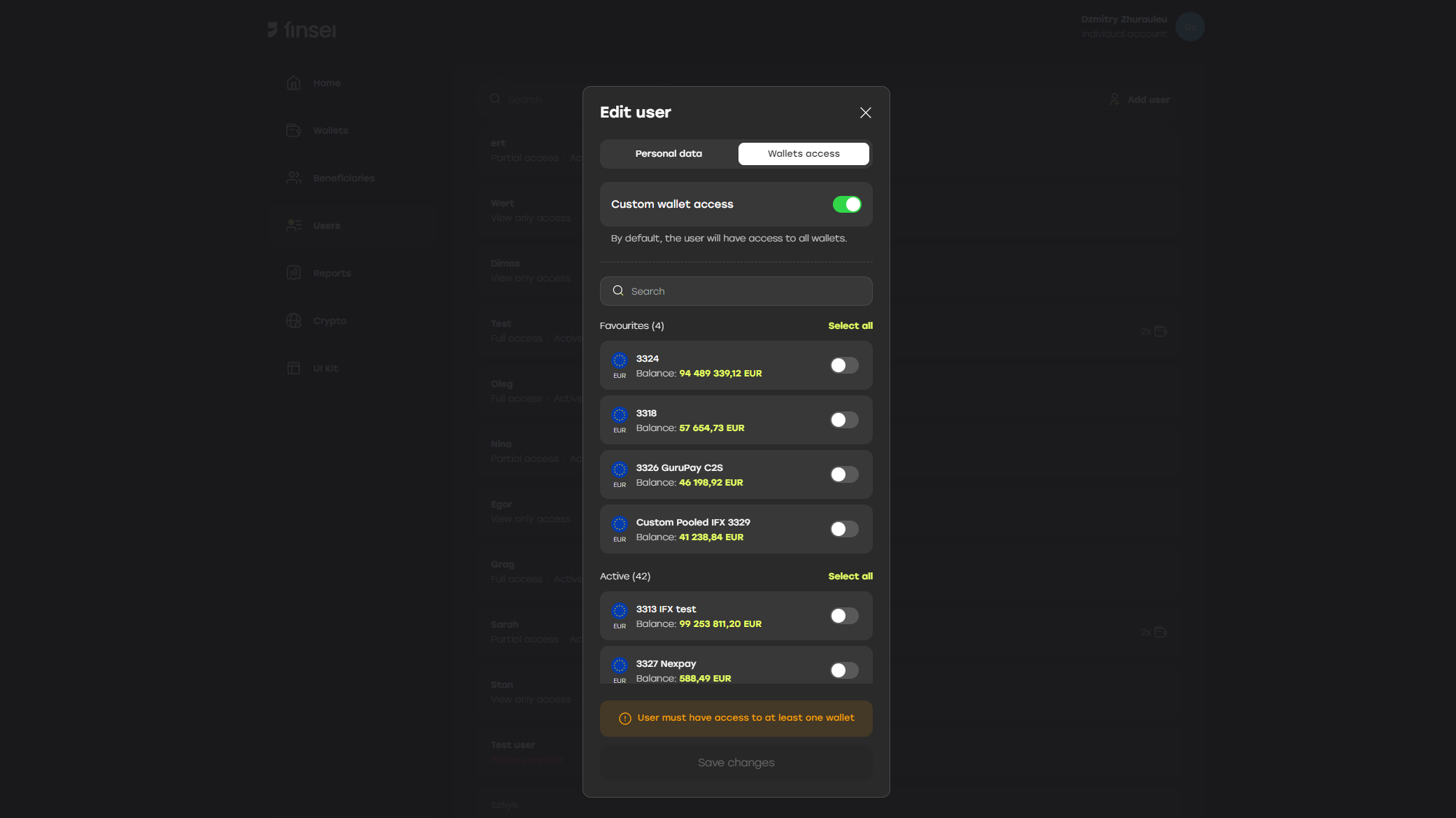
If the “Custom wallet access” toggle is enabled, at least one wallet must be selected for the user to have access to.Once the available wallets are selected, the user will only have access to the specified wallets and their associated transactions.