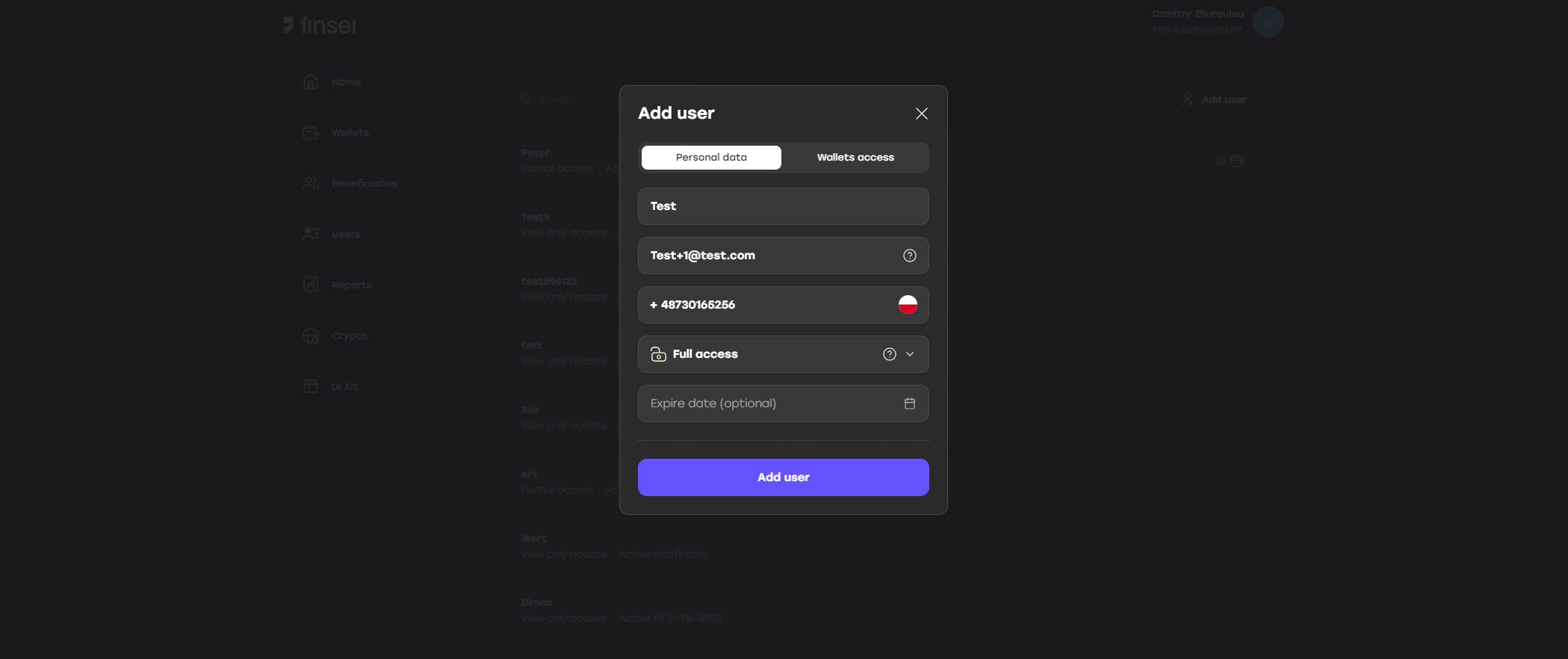
To create a sub-user, follow the steps below:
- Log in as the main user to your account: https://app.sandbox.finsei.com/auth/login
- Go to the Users tab
- Click Add user
- Fill in all required fields
- Click Add user
Use the “Forgot password?” form: https://app.sandbox.finsei.com/auth/forgot.